Stay close to your people – and reach every business with one tap.
Chat with friends and family, call them by voice or video, share in groups and channels, organise your day – and find, chat with and order from local businesses. All in one app.


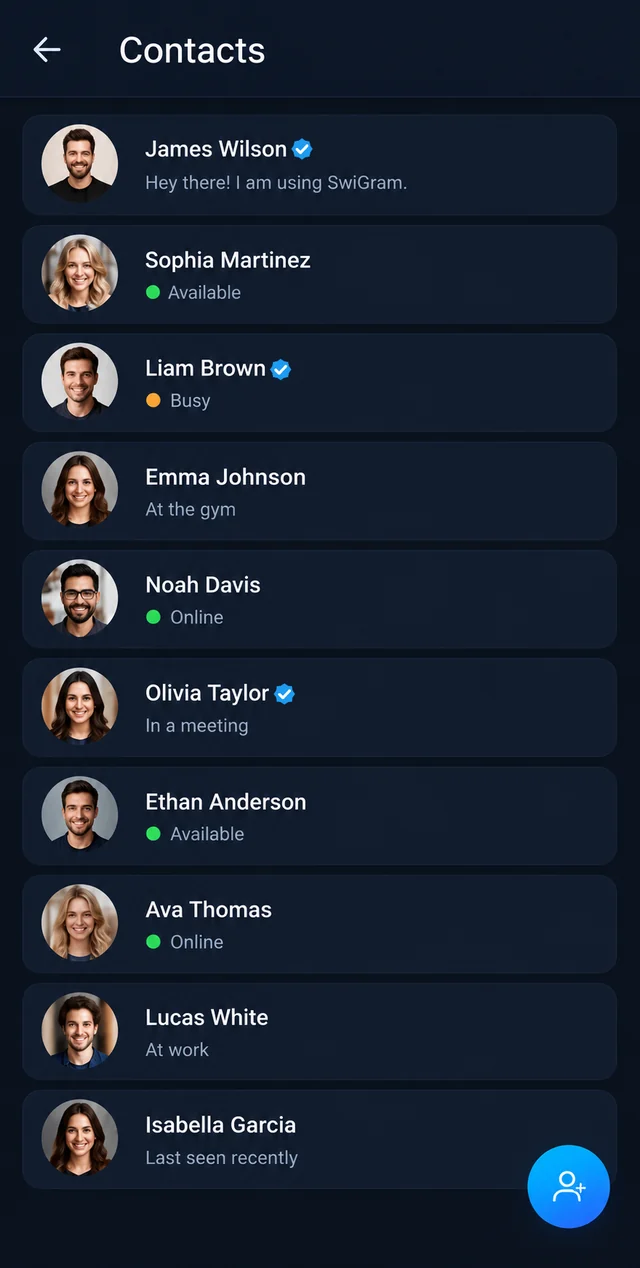
Your friends, your family, your whole world.
Everything you expect from a modern messenger – and a few things you won't find anywhere else.
Private chats
Messages, photos, videos, voice messages, files, locations and stickers with the people you know.
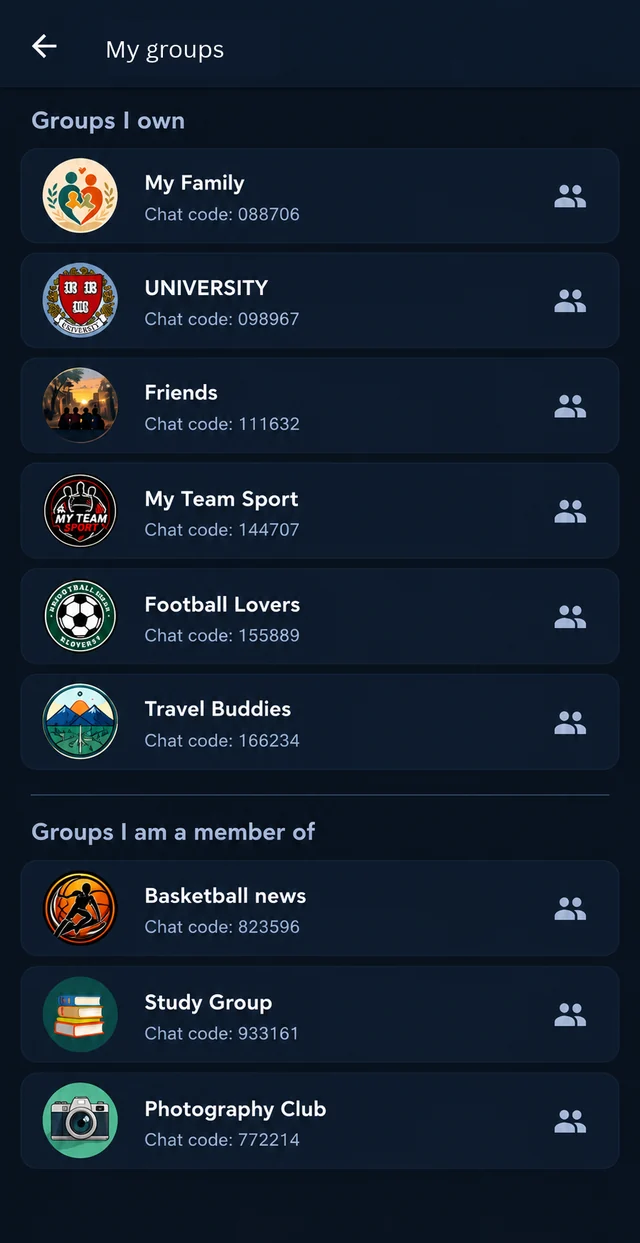
Groups
Family, friends, class or club – create a group, invite with a link or code, share polls and events.
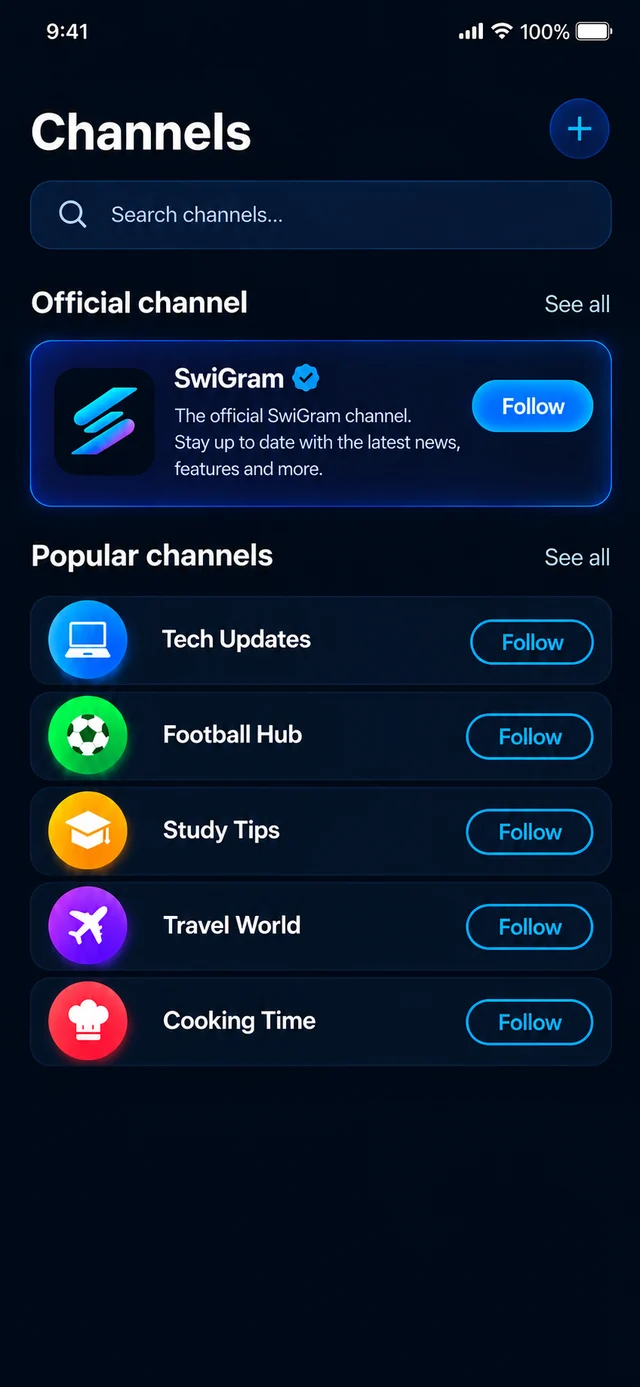
Channels
Follow channels you like or start your own and share updates with as many followers as you want.
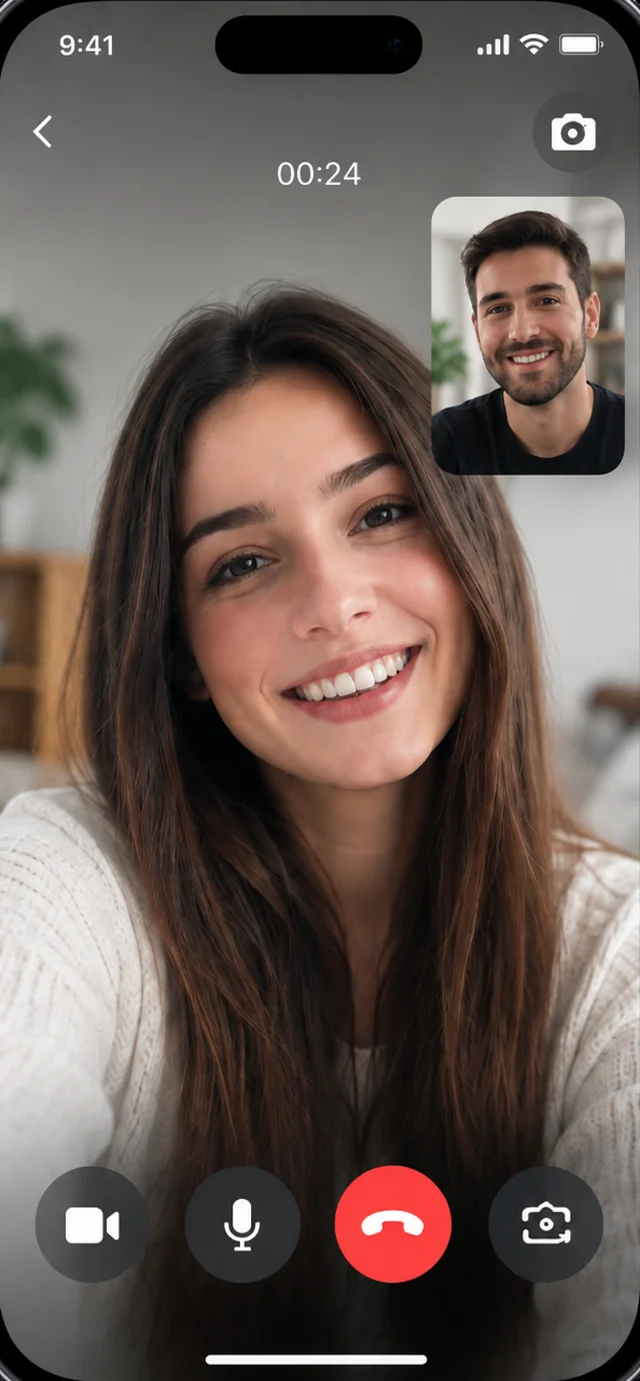
Call them like you're in the same room.
- Voice and video calls over Wi-Fi or mobile data
- Switch the camera on or off during the call
- Share your screen to show photos, documents or help with a setting
- Make the call small and keep chatting at the same time
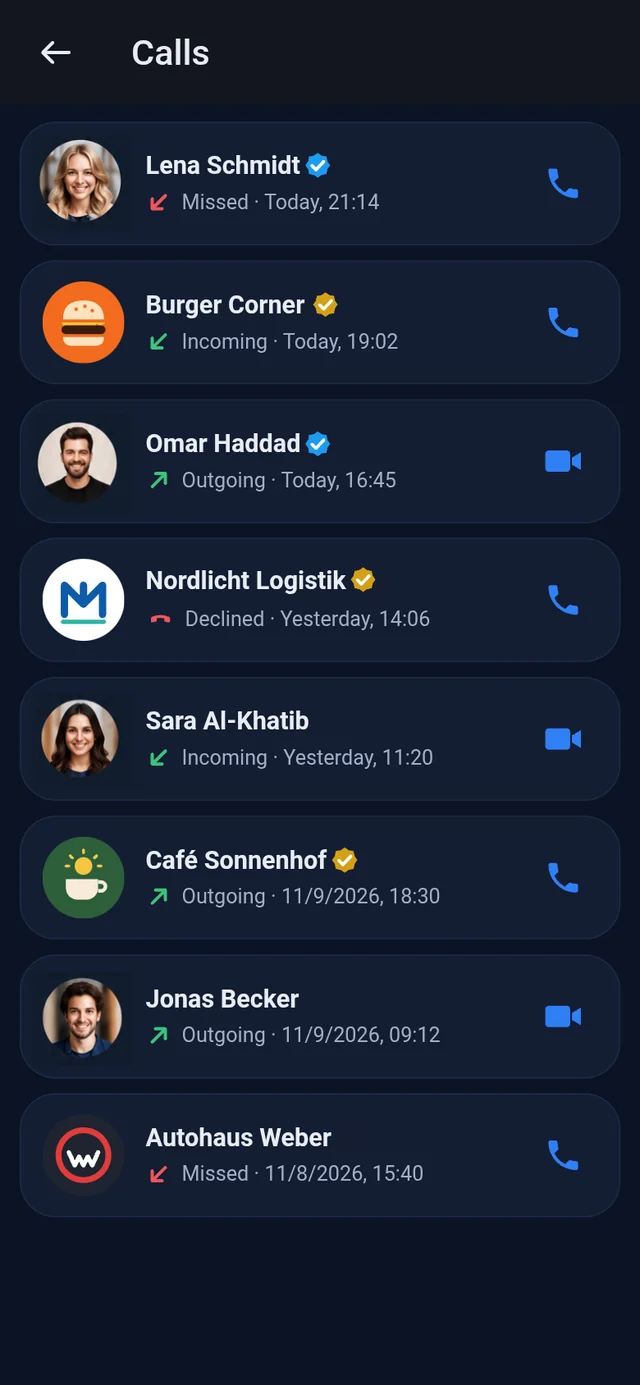
- Call history with missed and incoming calls
No phone number needed
Sign up with your e-mail address. Your phone number stays private – share your username, a link or a QR code instead.
Your personal planner
Everything you plan, book and order – in one place, right next to your chats.
Appointments
Bookings with businesses and your own dates
Tasks
To-do lists in folders
Notes
Ideas and lists, sorted in folders
Favorites
Your favorite places, one tap away
My orders
Follow your orders live, order again
Jobs
Repairs and jobs: received, in progress, ready
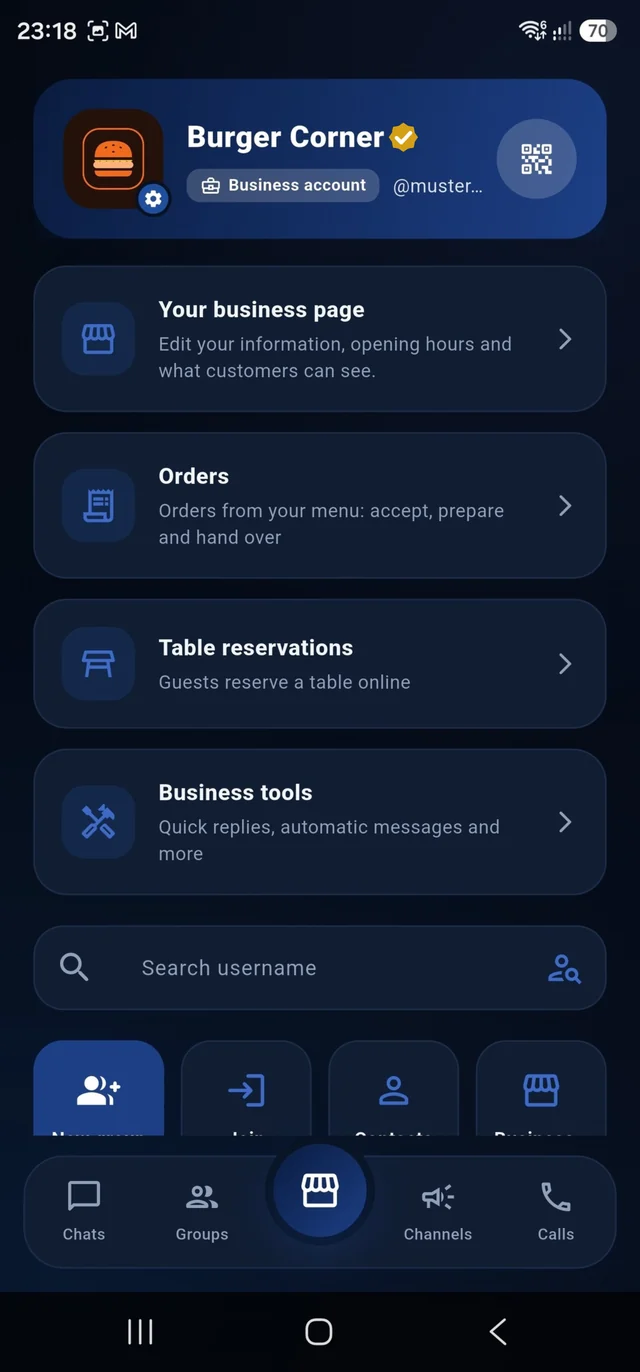
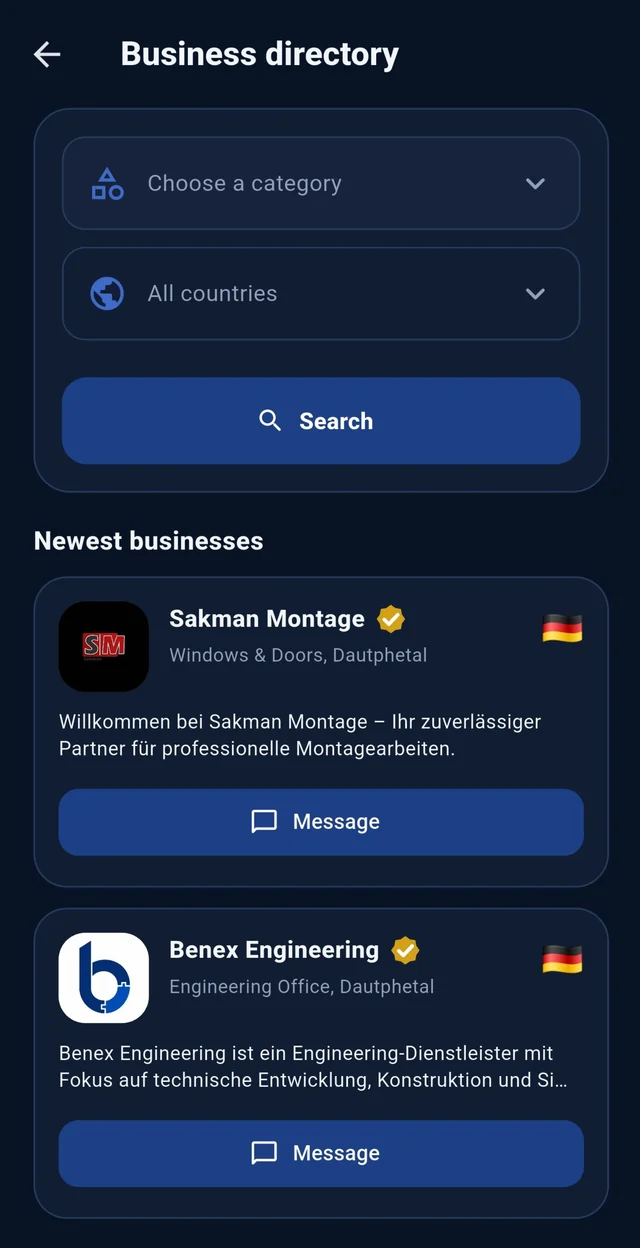
Every business in SwiGram – just one tap away.
Browse all registered businesses by category and country, or simply search for what you need.
 Look for the gold ✓ – verified businesses have been checked by SwiGram.
And much more
Chat lock & app lock
Face ID, fingerprint or code.
Disappearing messages
And photos you can view only once.
Scheduled messages
Write now, send later. Broadcast lists.
Status
Share photos and moments with your contacts.
16 languages
The whole app in your language.
On your computer
web.swigram.com with a QR code.
Stars, pins & archive
Keep important chats and messages at hand.
Chat themes
Light, dark and your own backgrounds.
Your business, right where your customers chat.
A business account with its own page, catalog and tools – customers find you, write to you in their language, order and book without another app.
Be found
- In the directory by category & country
- Verified badge ✓
- Your own web page swigram.com/b/…
- QR code & share link
Talk to customers
- Quick & automatic replies
- Labels & customer cards
- Opening hours & “open now”
- Team members & chat handover
Sell
- Catalog, menu or vehicle pages
- Product cards in the chat
- Online orders & job status
- Offers & daily specials
Book
- Appointments with your hours
- Table reservations
- Digital queue with alerts
- Works on the computer too
Made for your industry
Restaurants & cafés
- Menu with extras, labels & allergens
- Online orders – pickup or delivery
- Table reservations
- Daily specials & sales overview
Car dealers
- Vehicle pages with photos & all details
- Customers ask about a car right in the chat
- Price, mileage, engine, equipment – on one page
- Appointments for viewings and test drives
Workshops & craftsmen
- Job cards: received → in progress → ready
- The customer is notified at every step
- Customer cards with your own fields
- Services with “price from”
Salons, barbers & studios
- Online appointments with durations
- Digital queue – “your turn is close”
- Services & price list
- Gallery of your work
Shops & retail
- Products with “available / sold out”
- Send product cards in the chat
- Offers with crossed-out prices
- Opening hours & route
Offices & services
- Automatic replies outside your hours
- Team chats with handover
- Appointments & reminders
- Use SwiGram on the computer
Restaurants & cafés
Online ordering, extras per dish, allergens, daily specials, table reservations and a sales overview.
Create a business account
Choose “Business account” when you sign up and pick your category – one of more than 160.
Set up your page
Opening hours, photos, your catalog or menu – switch on orders, bookings or the queue.
Share & get customers
Share your link or QR code. Customers chat, order and book – you get notified.
Built in Germany. Made with care.
Your conversations are not a product. SwiGram is developed in Germany and follows the GDPR.
Data in the EU
Servers in Germany and the EU.
No ads, no selling
No advertising, no tracking, no data sales.
You decide
Chat requests, blocking, online status, chat and app lock.
Delete anytime
Delete your account and data directly in the app.
Questions & answers
Is SwiGram free?
Yes. You can download SwiGram for free on iPhone and Android and use it for chats, groups, channels and calls.
Do I need a phone number?
No. You sign up with your e-mail address, a username and a password. Your phone number stays private.
Can I use SwiGram on my computer?
Yes. Open web.swigram.com in your browser and scan the QR code with your phone under Profile → Linked devices.
How do I create a business account?
Choose “Business account” when you sign up, enter your business details and pick your category. Your business then appears in the directory.
How do customers pay for orders?
SwiGram does not take payments. Customers pay at the restaurant or business, or on delivery – in cash or by card.
Where is my data stored?
On servers in Germany and the European Union. Read our privacy policy for all details.

Ready to start?
Download SwiGram for free on iPhone and Android.